
Knowlarity · Enterprise SaaS
From cluttered
dashboard to
role-first clarity.
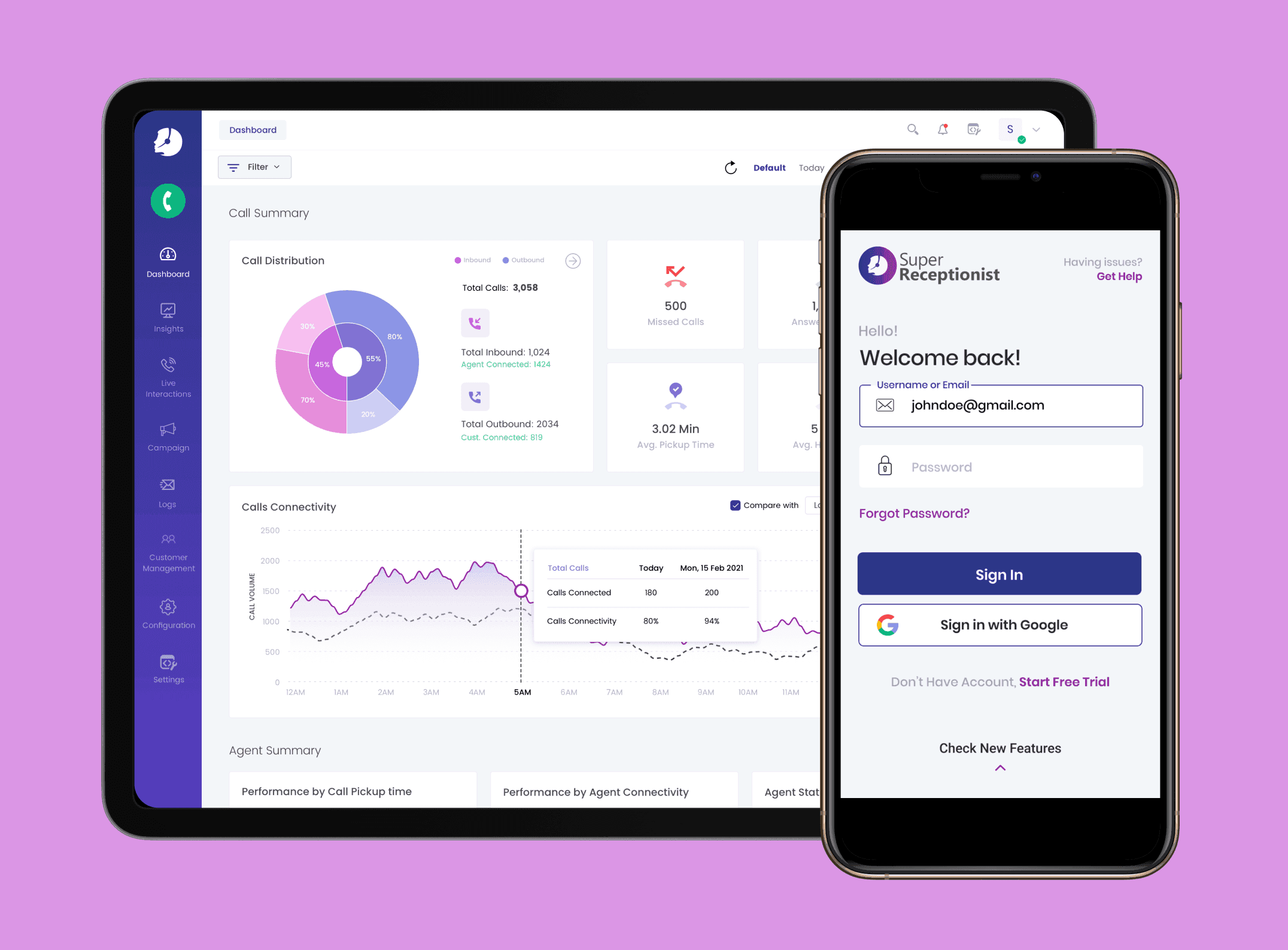
Knowlarity's Super Receptionist cloud platform served 12,000+ businesses — but a one-size-fits-all interface was creating friction for every type of user. We redesigned it around how each role actually works.
One product, four very different users — all getting the same interface.
When we mapped every user type against every common task, the mismatch was immediate. Business owners needed revenue data. Agents needed call queues. The dashboard showed both groups the same IVR config screen.
Complex user roles
Business owners, team managers, agents, and customers each had different needs — but the interface tried to serve all of them the same way, creating clutter and confusion.
Buried navigation
Users struggled to locate essential features. Core actions like viewing call history or starting a campaign required navigating through 4-5 menu levels.
Overwhelming data
Large volumes of call data and analytics were dumped on screen without hierarchy. Managers could not extract meaningful insight at a glance.
Low feature discoverability
Key functionalities like call tracking, IVR configuration, and team assignment were hidden in sub-menus. Most users did not know they existed.
Cross-device inconsistency
Key screens broke on smartphones and tablets. 34% of users were accessing the platform on mobile — none of them were getting a usable experience.
Painful onboarding
New users faced too many decisions too early. Advanced config required before any core task could be completed drove high trial abandonment.
Five weeks. Four phases.
We ran research, IA restructuring, interface design, and design system documentation in a single continuous sprint — keeping Knowlarity's product team involved at every stage.
Research
- Stakeholder interviews with Product Managers and team leads
- Competitor analysis — Exotel, Genesys, Ozonetel
- User research across all four personas (owner, manager, agent, customer)
- Session recordings and funnel analysis to find drop-off points
Information Architecture
- Mapped all existing navigation paths and feature locations
- Identified role-specific task clusters per persona
- Restructured IA to surface high-frequency tasks first
- Validated new structure with card sorting sessions
UX & UI Design
- Role-specific dashboard wireframes for each persona
- Contextual in-call customer pop-up design
- Automated reporting with single-click insight generation
- Mobile-first responsive layout for all key flows
Design System
- Documented component library for consistent scaling
- Colour, typography, and spacing tokens
- Interactive states for all UI components
- Handoff documentation and developer annotations
Four artefacts that redefined how the platform works.
Role-specific dashboards
Separate default views for business owners, managers, and agents — each surfacing the exact data and actions relevant to that role.
Redesigned IA & navigation
Flat, discoverable navigation structure with contextual shortcuts. Feature access reduced from 4+ levels to 1–2 for 90% of common tasks.
Automated reporting UI
Single-click report generation with visual charts. Managers get at-a-glance performance data without exporting spreadsheets.
Design system
Full component library with tokens, documented states, and developer handoff annotations — enabling the Knowlarity team to scale consistently.
Users found what they needed. Without being trained to.
After rollout, Knowlarity's support team reported a drop in feature-discovery tickets. Agent workflows became faster because the in-call customer pop-up surfaced account data that previously required a separate CRM lookup.
The design system meant subsequent feature additions — which Knowlarity's engineering team could now build independently — stayed visually and functionally consistent with the redesigned core.
Agents access in-call customer data without leaving the call screen — previously required a separate CRM tab.
Feature discovery improved significantly; users found functions without contacting support or consulting docs.
Engineering team can build new features independently while staying consistent with the redesigned UI.
"The Super Receptionist redesign is exceeding expectations. User feedback is overwhelmingly positive — especially the in-call customer pop-ups."
Next case study
Refer Hire — Peer-to-peer hiring platform
Designing the referral experience that delivered a 20% increase in user engagement.